Connected hot water
See. Control. Optimise.
Geyserwala Connect brings the geyser into one clear view so you can understand it, control it and optimise the way you heat water.


Connected hot water
Geyserwala Connect brings the geyser into one clear view so you can understand it, control it and optimise the way you heat water.
Timeline
The timeline shows when the geyser is heating, what was used and how well it maintains temperature.

Element Usage
The element usage graph shows how long the heating element was used each day over the past two weeks, with a weekly view over the past year.

App
View and control one or more geysers from anywhere.
Try the Demo App
Journey
Start with the way you want to use Geyserwala Connect.
Three ways Geyserwala Connect can help you
At a glance
I'm a homeowner. I want hot water that fits my day.
Hot water when you need it, with a clear view of what your geyser is doing.
See how your geyser is behaving, know when hot water is being used, and adjust timers or mode when plans change.
I'm running solar, batteries or automation. I want the geyser to work as part of the system.
Use your geyser as a managed load.
Geyserwala Connect fits into solar, home automation and building-control systems through direct, cloud-free integration. Built around open standards, local control and cloud-independent operation, it stays under your control and works with the systems you choose. It gives you a practical way to shift hot-water demand around depending on how your setup manages energy.
The local APIs offer:
Available with integrations to:
I manage properties. I need site-level control.
Manage multiple geysers in apartments, estates and commercial properties.
Geyserwala Connect gives a practical way to coordinate heating across multiple geysers, keep demand within agreed limits and protect hot-water service without depending on a cloud platform. Real-time status and error codes make it easier to understand controller behaviour, spot faults and respond faster when support or maintenance is needed.
Customer feedback
"Works like charm as described, very nice with HA also." - LW
"Great device. Easy to install and amazing how I can manage my geyser remotely. I hope you can make more devices - it really has opened my eyes to IoT." - MK
"Thank you for the products. It works 100%. No problems, easy to install and setup." - BJ
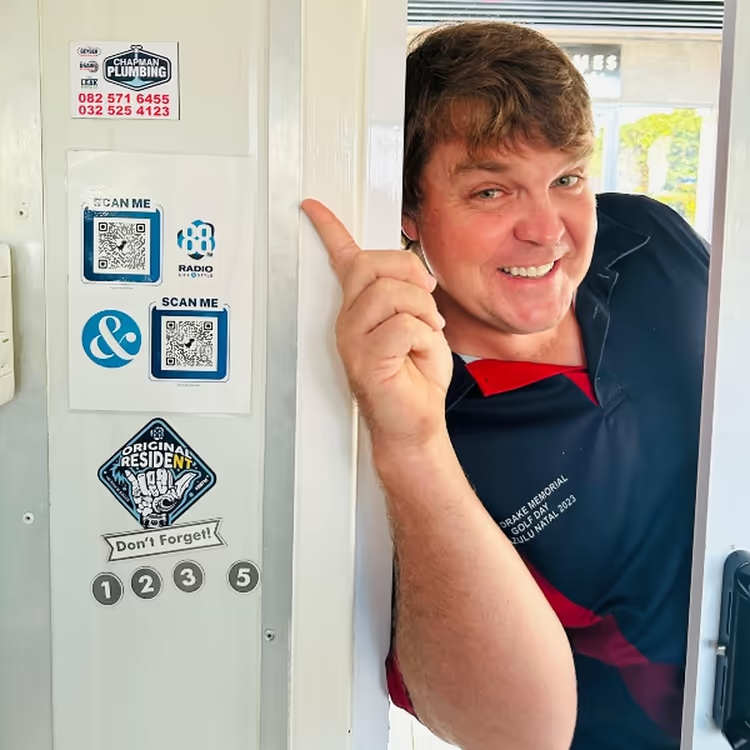
Barry of Chapman Plumbing talks about the benefits of the Geyserwala Connect on live radio.
"Thank you everything is working great and enjoying the product, I'm definitely telling everyone about it." - HK
"Really great product!" - JV
"Just wanted to let you guys know I love the product! Installed and set up integration into home assistant within minutes. Much easier than the DIY method I had previously!" - PB
"This thing is dope, very easy setup, super capable and working like a charm with #homeassistant (especially impressive for something like this which is quite complicated in nature)." - DO
"The product works as advertised, installation was easy. The web surface is easy to use. Keep up the good work and all the best for your company's business" - GS.
"System works like a charm." - TS
"I am extremely impressed with the unit." - DR
"Its going great - working like a charm!" - TS
"You can now control your geyser with your cellphone from anywhere, by installing a Geyserwala and add extra functionality at the same time." - Willie Koorts
"I think your product is awesome and well-priced." - WU
"I am very happy with the product. Easy installation and integration with Home Assistant." - AC
"Working like a charm, thank you!" - EW
"To have the sheer convulsive misery which was the original firmware & interface replaced by beautifully minimalist & intelligent design that mirrors how the device is actually used in practice is a rare, rare thing indeed... But not only that, the level of attention paid to external systems integration is unparalleled in my experience. You have single-handedly restored my faith in the entire field of embedded engineering. An inspirational work." - AG
"The Geyserwala Connect is working nicely. I've got the web app set up so I can access it locally and remotely." - AP
"I'm loving it! Thank you so much for creating this product. It was a breeze to install and configure. Settings are exactly what I was looking for. Please keep up the great work!" - BG
I want to check my controller.
Will Geyserwala Connect work with my system?
Continue here.
Choose what you want to do next.